How to switch on Location History on Google apps for work

I was having trouble switching on location history, or web history, on my Google apps for work account (domain).

I searched and found lots of people that had also struggled, but no solution. Eventually, it was quite straightforward. I hope this might help someone else in the future.

On an Android device, you activate this by going to ‘Settings’ – ‘Google’ – ‘Personal info & privacy’ – ‘Activity controls’ – ‘Web & app activity’. 

However, I was told that I couldn’t do this based on my organisation’s permissions. As the owner of my account, I hadn’t set this up to be turned off, so I wanted to change it. 

Steps:

1 – Go to admin.google.com and log in as an administrator on your apps for work domain.

2 – Go to Apps – Additional Services. This gives a long list of services, most of which were set to ‘on for everyone’. This included ‘Location history’. However, in the end, there was one that was set to ‘off’:’Web history’. Change this to ‘on for everyone’ (or ‘some users’, as you wish). You will now be able to change the setting on your device. Google say it can take up to 24 hours to feed through, but mine worked immediately. 

3 – Now, if the above worked, you won’t need this step. For me, I didn’t see the ‘Web history’ setting immediately. At first, Google support told me to set ‘Location history’ to on and wait for 24 hours. I did this, but still couldn’t change the setting on my device. Upon returning to the apps for work admin section 24 hours later, at the bottom of the list of ‘Additional services’ was ‘Web history’, set to ‘off’. I now turned it on, and everything worked! 

So, either, the setting was there all along and I just didn’t see it (possible…), or forcing the ‘Location history’ setting made it appear for some reason (seems unlikely, but can’t be sure). 

Either way, if you’re reading this, hopefully it helps you! 
Installing Nest – the learning thermostat

Nest

Nest – the ‘learning thermostat’

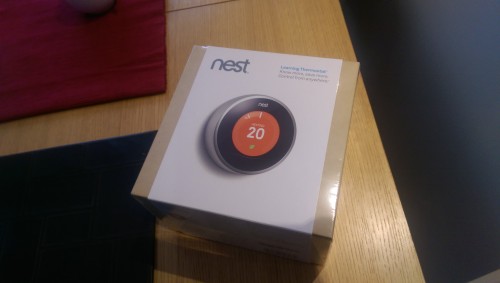
I had put it off for quite some time, but I have finally installed Nest, Google’s ‘learning thermostat’.

The thermostat itself is still in its ‘learning’ phase, so I’ve not yet seen the benefit of its ‘auto away’ mode or dynamic scheduling. I’m looking forward to seeing how it adapts to changes in routine and the outside temperature.

I bought Nest direct from Google, through the Play Store. There was a slight hiccup with installation – which seems a little too frequent based on reading other people’s experiences. It’s a sub-contracted system in the UK, but communication doesn’t seem to be fool proof. Despite receiving an email confirming the date and time of my installation, the company assigned the job failed to turn up on the day, claiming they knew nothing about it. I was, however, able to reschedule for the following day.

First impressions of the Nest thermostat itself are very positive. The engineer installed it in about an hour, first connecting up the heat link to my boiler and then replacing my old thermostat with the Nest unit.

The Nest thermostat connected to my home network and the Nest app without any issues. Nest feels solid to touch and is straightforward to control. The basics are all there. I’ll see how it performs over the coming weeks and months.

On to the secondary consideration of purchasing Nest… With so much promising home automation technology heading to market (you’ve no doubt heard of the ‘internet of things’!), Nest feels like one of the strongest bets when it comes to centralising and controlling it all from a single location.

Google’s ‘Works with Nest’ programme already includes Dropcam, Phillips and Mercedes and is only going to grow. I already have separate apps to control home alarm and CCTV systems. I’ve also been looking at Piper recently. However, as much as I love all of these systems, I want my life to get simpler, not more fragmented.

It’s a complicated picture, but Nest and Apple TV look well set to lead the way in managing home automation over the coming months and years. At least, I hope so.

What makes effective landing pages?

What makes effective landing pages?

What makes effective landing pages?

So many things can affect the success of online direct response activity. Who do you target? What message do you put in front of them? Where do you find them?

So once you’ve attracted the attention of your potential customer, you’ve done the job, haven’t you? Well, no. It’s easy to forget about the importance of where you land them.

What makes effective landing pages?

Some things are simple:

  • If your users could be on mobile devices, don’t expect good conversion rates from a page that isn’t optimised for a smaller screen.
  • How much data are you asking for on your form? More fields means more effort, which means fewer conversions.
  • Is it easy to find the calls to action? Don’t make it harder than it needs to be to get to the point of conversion.

Think about what your user responded to. What was it that made him or her click? Is the landing page relevant to it? There’s nothing worse than clicking on an ad about apples and landing on a page about carrots.

Think about exactly what response you’re looking for. If you’re focusing purely on conversions, then strip out anything unnecessary. There might be times when you want to take a softer approach and provide more information about your products and services – but remember, the more complex you make the journey for your user, the less conversions you will get.

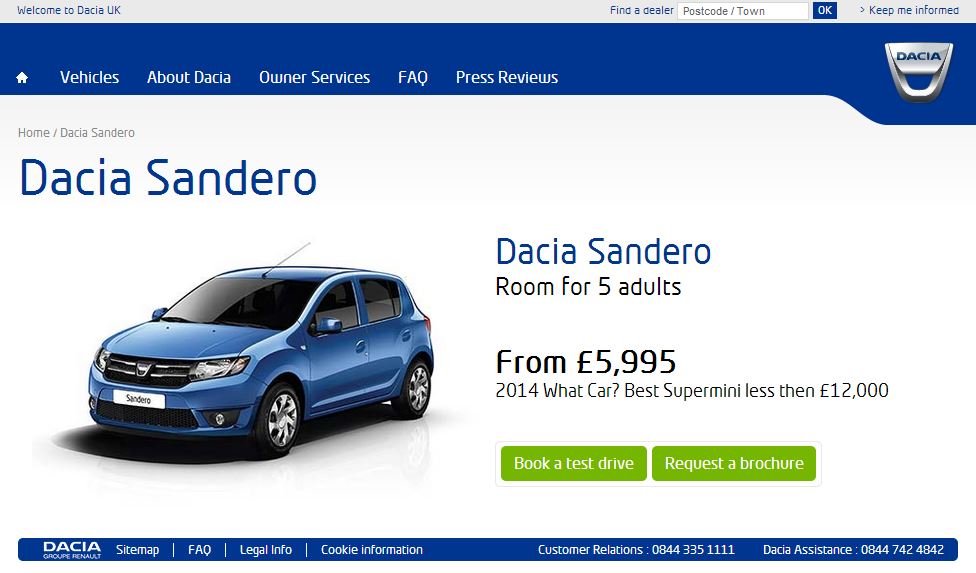
What do you want them to do? Book a test drive? Request a brochure? Configure a vehicle? Ask for a quote? Review latest offers? Read about spec and prices? If your landing page has a plethora of CTAs on it, your conversion rate will reduce.

Maybe your product is complex and your route to conversion is complex. In which case, there may be times when you want your users to engage with your content and do their research – which is fine; just don’t expect the conversion rate to be as high as a ‘pure’ direct response campaign.

Maximum conversion rates will only come from optimised targeting, ad content (copy, images etc) and landing page. Working together, these three elements can be hugely powerful. Overlook any one of the three and you’re wasting your budget.

What’s the recipe for effective landing pages?

  • Make it relevant – If the user is interested in apples, give them a landing page about apples.
  • Keep it simple – Capture the data that you need, but don’t ask too much.
  • Optimise – What devices are your users going to be using?
  • Make sacrifices – Do you really need to talk about all of those product features or offers on this page?

There is no ‘one size fits all’ answer when it comes to effective landing pages, but follow these simple steps and you’ll be well on your way.

As with everything, though, don’t forget to test and learn. If it’s not right the first time, make changes, measure the results and evolve!

Going mobile with ZOE

ZOE on mobile

ZOE on mobile

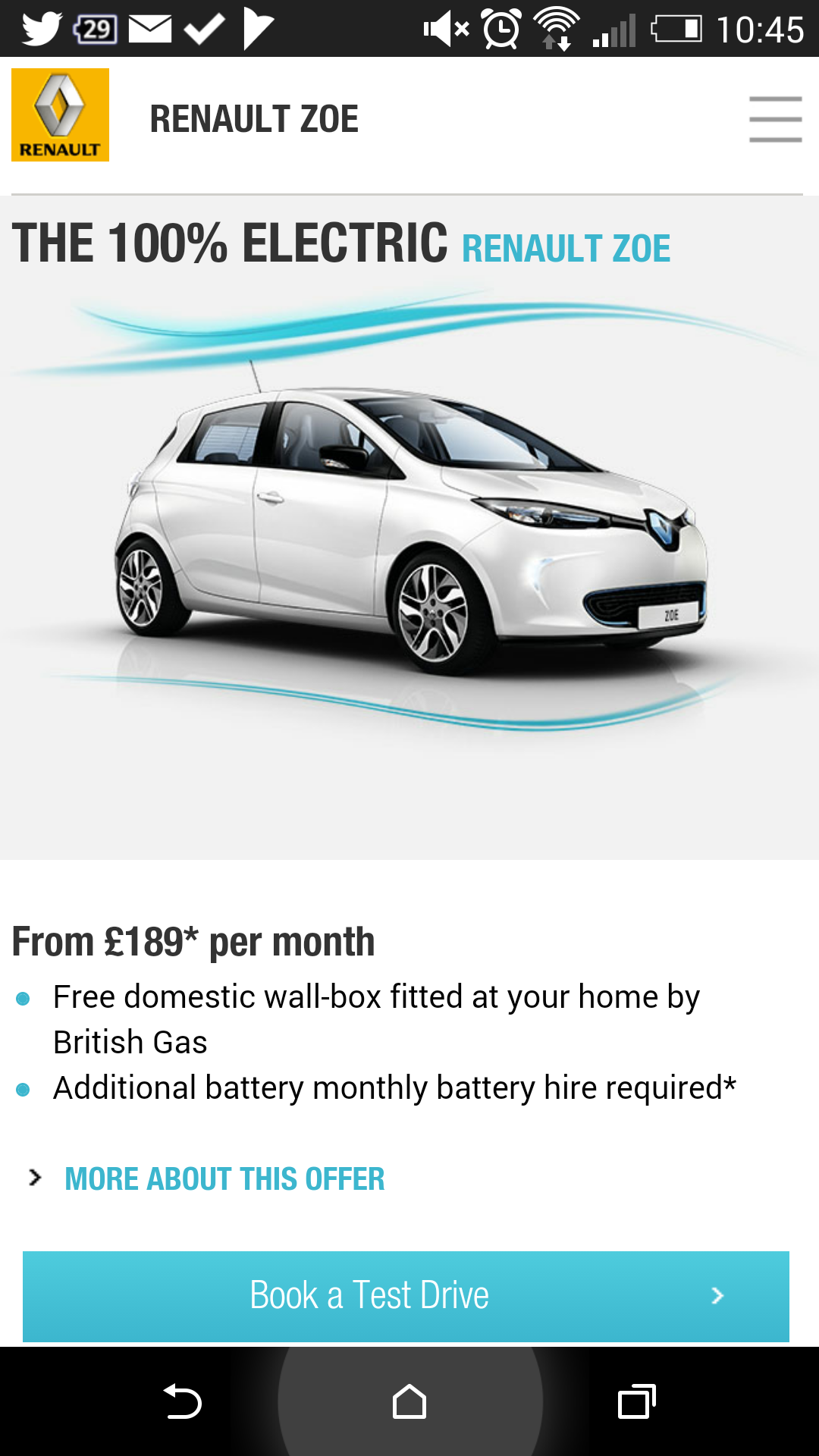
In our latest campaign for ZOE, we’ve taken a regional approach, using a number of data sources to identify several hotspots around the UK.

We’re running bursts of activity in each of these areas, driving traffic to the nearest Renault dealership. This activity includes traditional ‘local’ media placements – OOH, radio, press – but then we’ve also been testing some geo-targeted mobile activity.

With so much data now available, targeting the right people at the right time through their mobile device(s) is becoming much more possible.

More on the results later, but for now, here’s a few bits of coverage for the activity:

Award time!

Best Viral - Brand Republic Digital Awards, June 2014

Collecting the ‘Best Viral’ award

It was a great pleasure to be able to collect the ‘Best Viral’ award at the Brand Republic Digital Awards this week.

The Clio VaVaVoom test drive campaign that we (Renault UK, with Manning Gottlieb OMD, Unruly and Scorch London) was judged to be the best in this category, which also included entries from Kellogg’s, Whyte & Mackay and Marks & Spencer.

The campaign emerged from a brief to take a small proportion of the UK launch budget for the New Clio and ‘make it work harder’. We wanted to go beyond the traditional launch activity and find a new of talking to a younger target audience.

The total budget (production + media) for the campaign could easily have been spent on a single TV spot.

Part of the rationale for campaign was that we had been able to guarantee some results, but we had no idea quite what it was going to achieve.

Watching a campaign truly ‘go viral’ over the course of 48 hours following its launch was an immense buzz. It was a slow start for the first few hours, watching the view count slowly increase, but then the coverage started to flow.

Mashable’s article was one of the first to get shared in volume and it just took off from there. The coverage that followed was widespread, from the likes of The Drum, Marketing Week, The Scottish Sun – and even the Daily Mail.

We estimated that the ROI of the media coverage alone was probably at least 8:1. The videos topped the Viral Video Chart and Youtube’s ‘Most Shared’ list.

70,000 shares and 3 million views followed within the next few days, with over 5 million minutes of branded content being watched.

As well as the Brand Republic award, the campaign also received motor trade recognition – from the tough audience that is car dealers – picking up the 2013 Car Dealer Power award for ‘Best Manufacturer Marketing Initiative’.

It all came from being brave. Do your research, know what’s possible and go for it.